What if someone could show me where the button is?
Perry: AI help in your Mac's notch that points at the button, or clicks it
- Runs on
- macOS 14 or later, Apple silicon
- First released
- Updated
Perry is a free, open-source Mac app that lives in the notch. Ask how to do something in any app, and Perry points at the first control, waits for you to click it, then points at the next one. Ask it to do the task instead, and it does the work while you watch, with a stop button in reach.
Hold Control and Option and talk, or double-tap Control and type. There's no account and no subscription. Perry uses the ChatGPT or Claude plan you already pay for, or an API key.
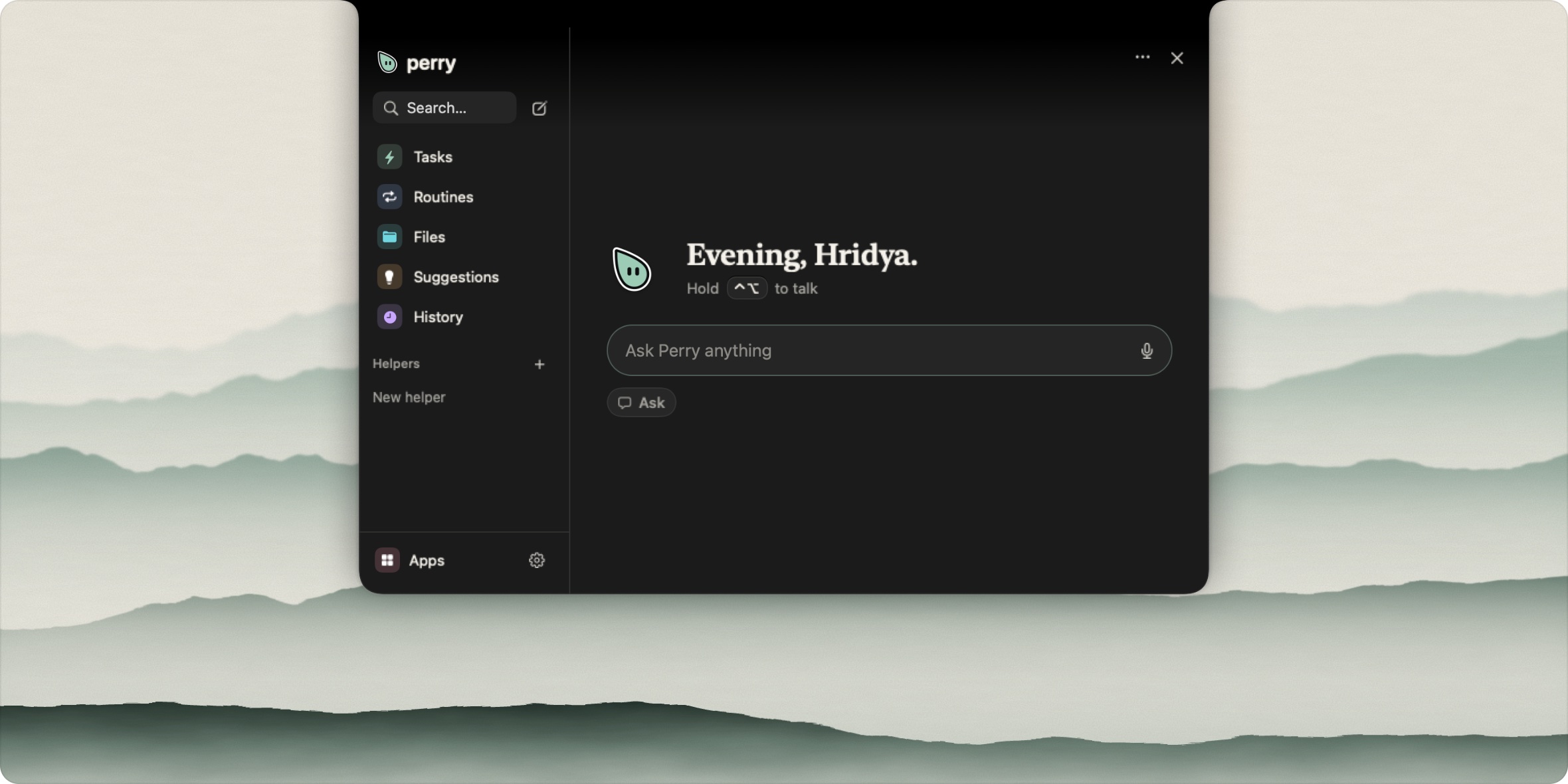
Show me how, or do it for me
Most AI help tells you where a setting is. Then you go and hunt for it. Perry draws on your screen instead.
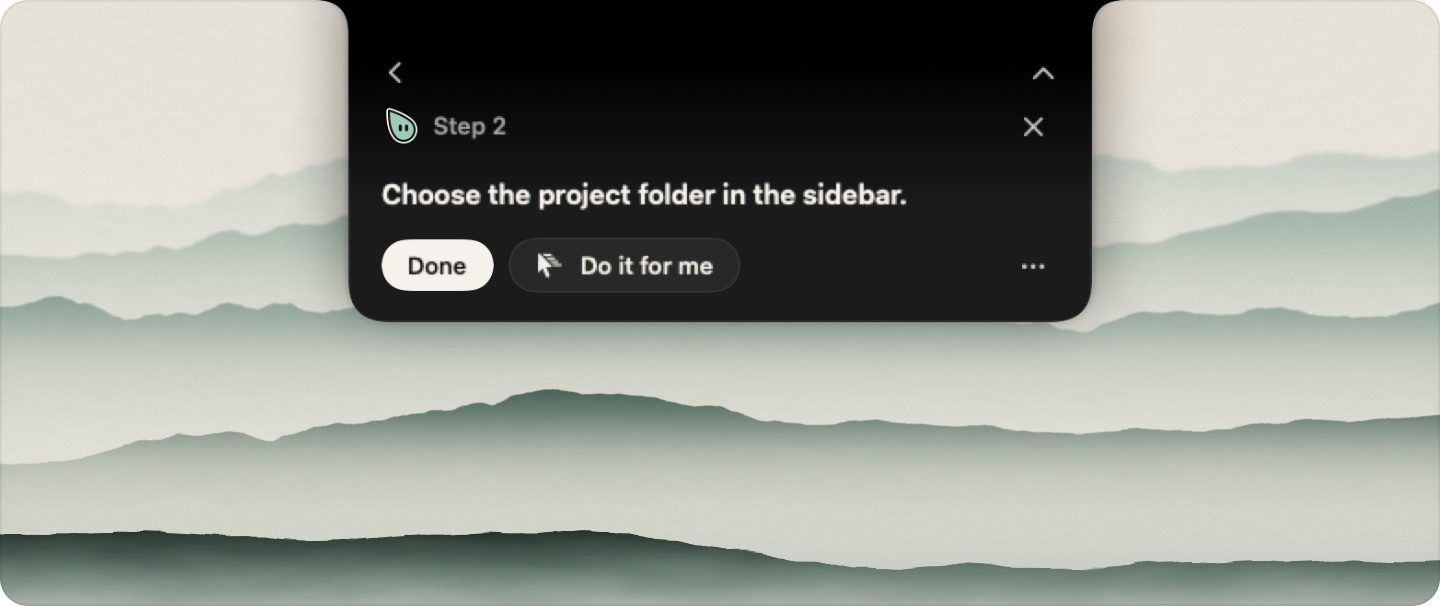
In a guide, Perry points at one control and waits. When the screen changes, it points at the next one. Click Do it for me at any step and Perry takes over from there.
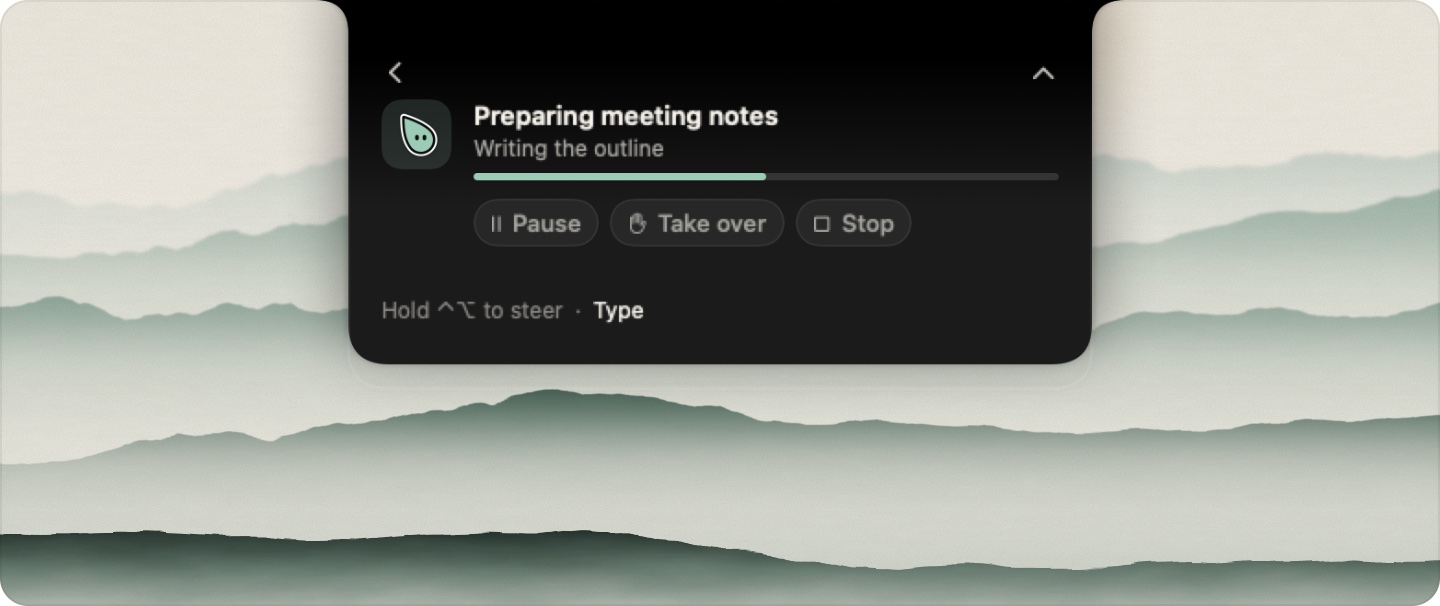
In a task, Perry works in the background and logs every action. You can pause it, take over or stop it. It can also answer a question about the window in front of you, and it can save a task you show it once as a routine.
The idea isn't new. clicky showed that people want a voice helper that draws on their screen, and openclicky took it into agents. Perry adds a trust model and works with whichever model you bring.
Two drivers beat one
Perry plans with your model, acts through agent-desktop and checks the screen after each step. cua-driver handles the clicks and drags that agent-desktop misses, without moving your cursor.
I tested that against cua on its own with a torture fixture: 32 hard cases, three runs each, on a Mac mini.
| Driver | Passed | p50 per action |
|---|---|---|
| cua alone | 65 of 96 | 520 ms |
| agent-desktop 1.0.2 + cua | 71 of 96 | 229 ms |
| agent-desktop 1.1.0 + cua | 74 of 96 | 387 ms |
I stayed on 1.0.2. The newer version passed three more cases but was 100 to 160 ms slower per call.
The fixture also caught a bad bug. Perry used to repeat any click that agent-desktop reported as delivered_unverified. A working button reports exactly that, so a burst of 20 clicks landed 40. Now Perry follows agent-desktop's own rule and retries only a click marked not_delivered.
Some cases fail in both drivers and can't be fixed there. Buttons that claim a press worked when it didn't, canvas input in a background window, and windows in the Stage Manager strip all stay out of reach.
The browser needed its own lane
Clicking a web page through the accessibility tree is slow and fragile. So I ran 12 hard web tasks against browser-harness, which drives Chrome over the DevTools protocol. Both sides used Claude Sonnet 5.5 with the same prompt.
The tasks include closed shadow-DOM comboboxes, a 10,000-row virtual list, a drag-and-drop kanban board, a canvas chart with peaks 0.1 kW apart and a layout shift that hides a destructive decoy.
| Setup | Passed | Median time | Total cost |
|---|---|---|---|
| browser-harness | 12 of 12 | 20 s | $0.63 |
| Perry, clicking the screen | 7 of 12 | 38 s | $3.64 |
| Perry with a browser lane | 11 of 12 | 14 s | $0.72 |
The browser lane is a Swift port of browser-harness: 17 browser.* tools over one WebSocket to Chrome. Before the lane, one invoice task took Perry 313 s of scrolling through the screen. browser-harness did it in 31 s by setting the scroll position from JavaScript. With the lane, the one miss was the checkout task, which Perry refuses on purpose.
What Perry won't touch
Every action gets a tier before it runs.
| Tier | Examples | What Perry does |
|---|---|---|
| Green | Move the pointer, highlight, read a window | Goes ahead |
| Yellow | Type, click, create a file | Goes ahead and logs it |
| Orange | Send a message, move to Trash, overwrite | Asks once |
| Red | Empty the Trash, buy something, use credentials | Asks and shows the full path |
Banking, password manager and checkout windows are blocked at every tier. Perry refuses to capture them at all. Text on a page is treated as content, never as an instruction.
The rules only work if they're tested. My first version of browser.connect fell back to "the first running browser" and turned on remote debugging in my real Chrome on the mini. I turned it back off, and now Perry only touches the browser you name or the one in front. There's a test for it.
Small models need bigger pictures
Before setting the defaults, I benchmarked small local models at finding click targets. They got 60 samples from ScreenSpot-Pro (Word, Excel, VS Code, PyCharm, DaVinci and macOS) on an M4 Pro.
Image detail mattered more than model size. Holo-3.1-4B at 2048 image tokens found 31 of 60 targets. Holo-3.1-9B at 1024 found 20. At 2048 the 9B model found 30, one fewer than the 4B, and took 1.7 times as long per step.
Cloud models stay the default. Without one, Perry answers in text, and local servers such as Ollama also work.
Rough edges
- It's a public beta, version 0.1.0. Report problems in Issues.
- It runs only on Apple silicon Macs with macOS 14 or later.
- Background drags don't reach Chrome yet.
- After a burst of 50 scrolls, Chrome stopped answering the accessibility API for about a minute.
- The DMG is 132 MB. It bundles a pinned Codex runtime for ChatGPT plans.
Try Perry
Download Perry-0.1.0.dmg from the latest release and drag Perry to Applications. Perry explains Accessibility, Screen Recording and Microphone access before macOS asks for each one. The app is signed and notarized, and later versions arrive through the built-in updater.
Site: perry.hridya.tech. Source: github.com/hridaya423/perry (AGPL-3.0).